Humber Arboretum, 2026
A wayfinding signage system made for cognitive accessibility.
SCOPE
Information Design
Experience Design
ROLE
Information &
Experience Designer
TOOLS USED
Adobe Illustrator
Adobe InDesign
THE PROBLEM
The Humber Arboretum's signage system is inconsistent, and has lots of accessibility issues. This makes wayfinding challenging for everyone, but especially those who may need cognitive accessibility.
THE RESEARCH
In order to solve this problem, I did research into what the pain points and needs are of those who face cognitive challenges. This showed me what I needed to prioritize when designing my signage system. I grouped this information into 3 clear solutions.



THE VISUALS
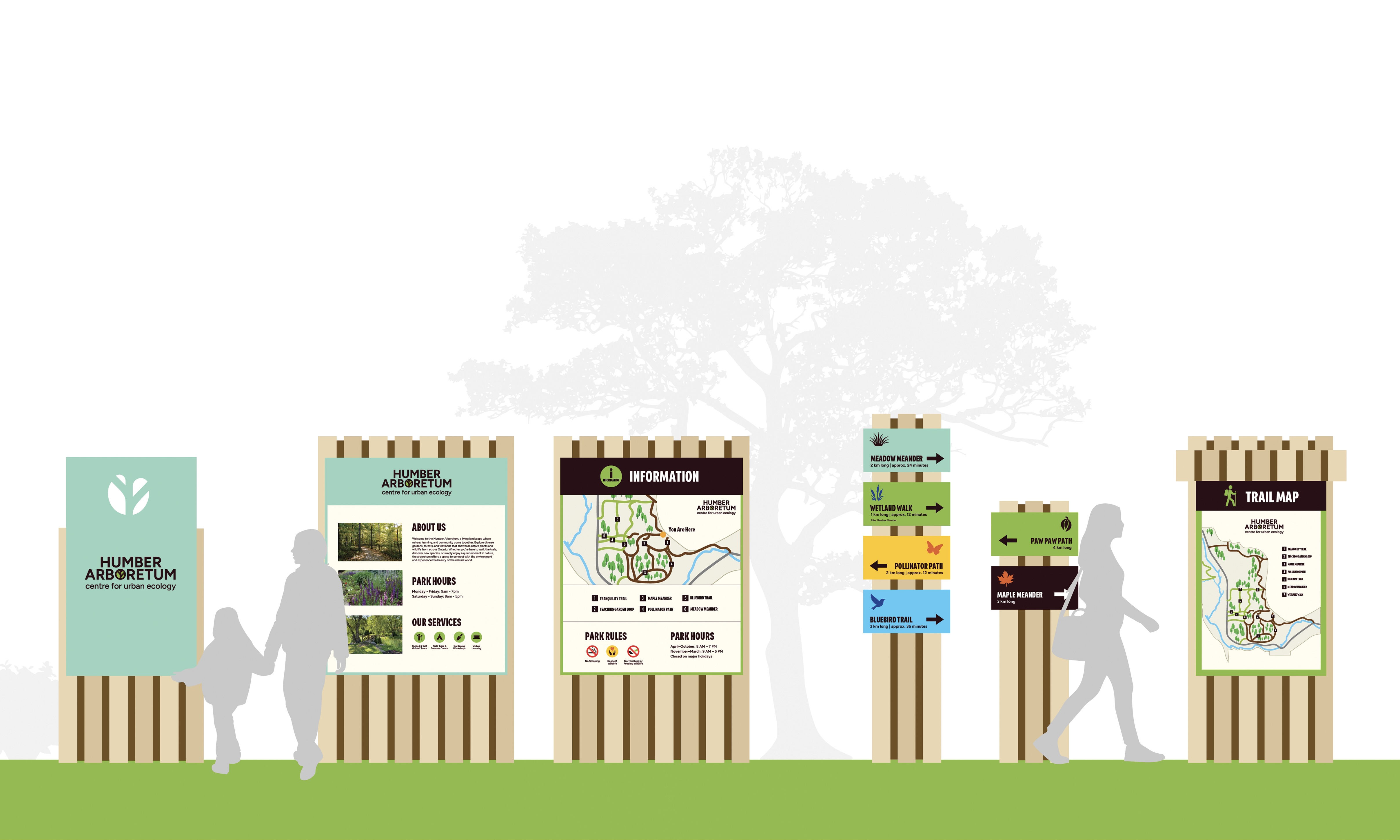
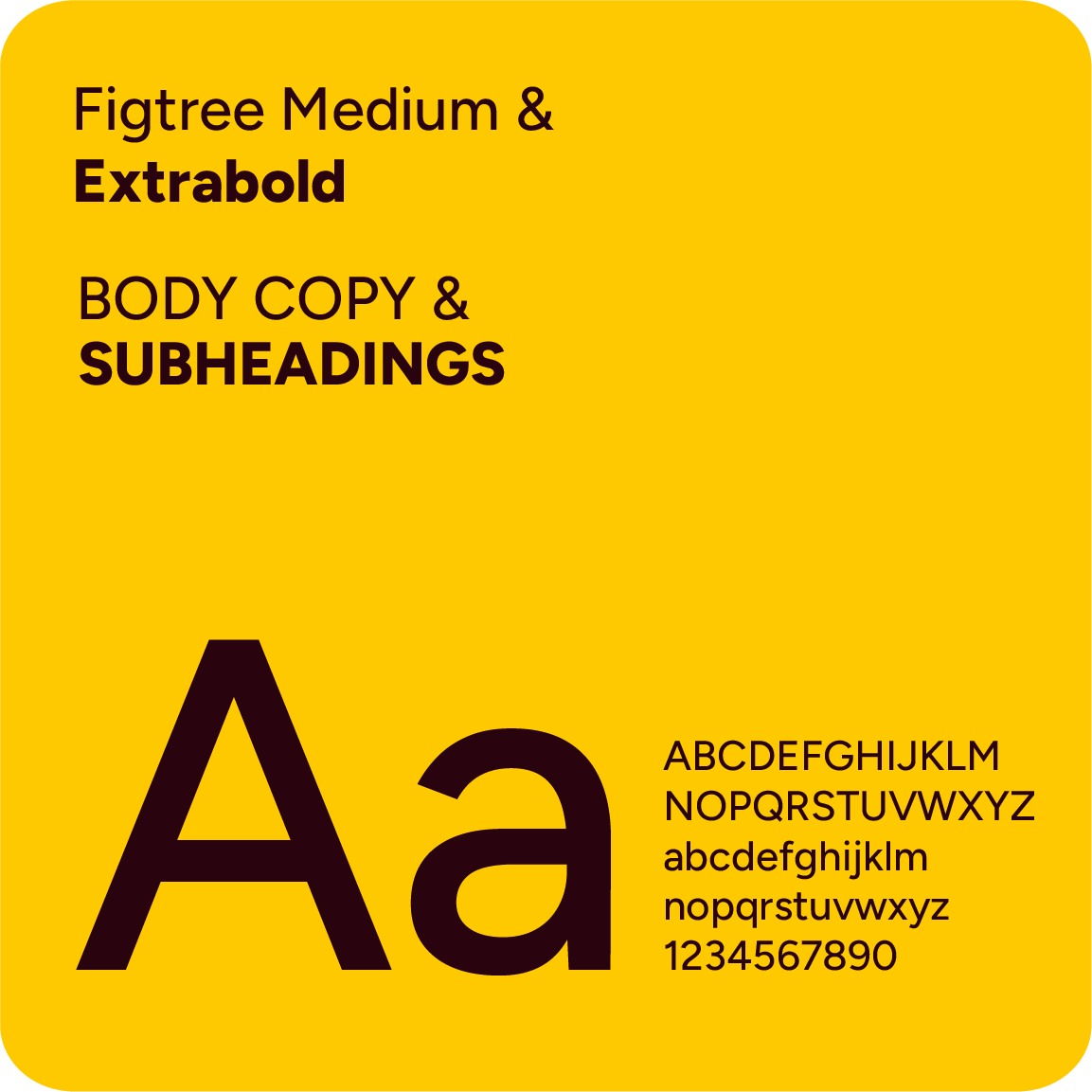
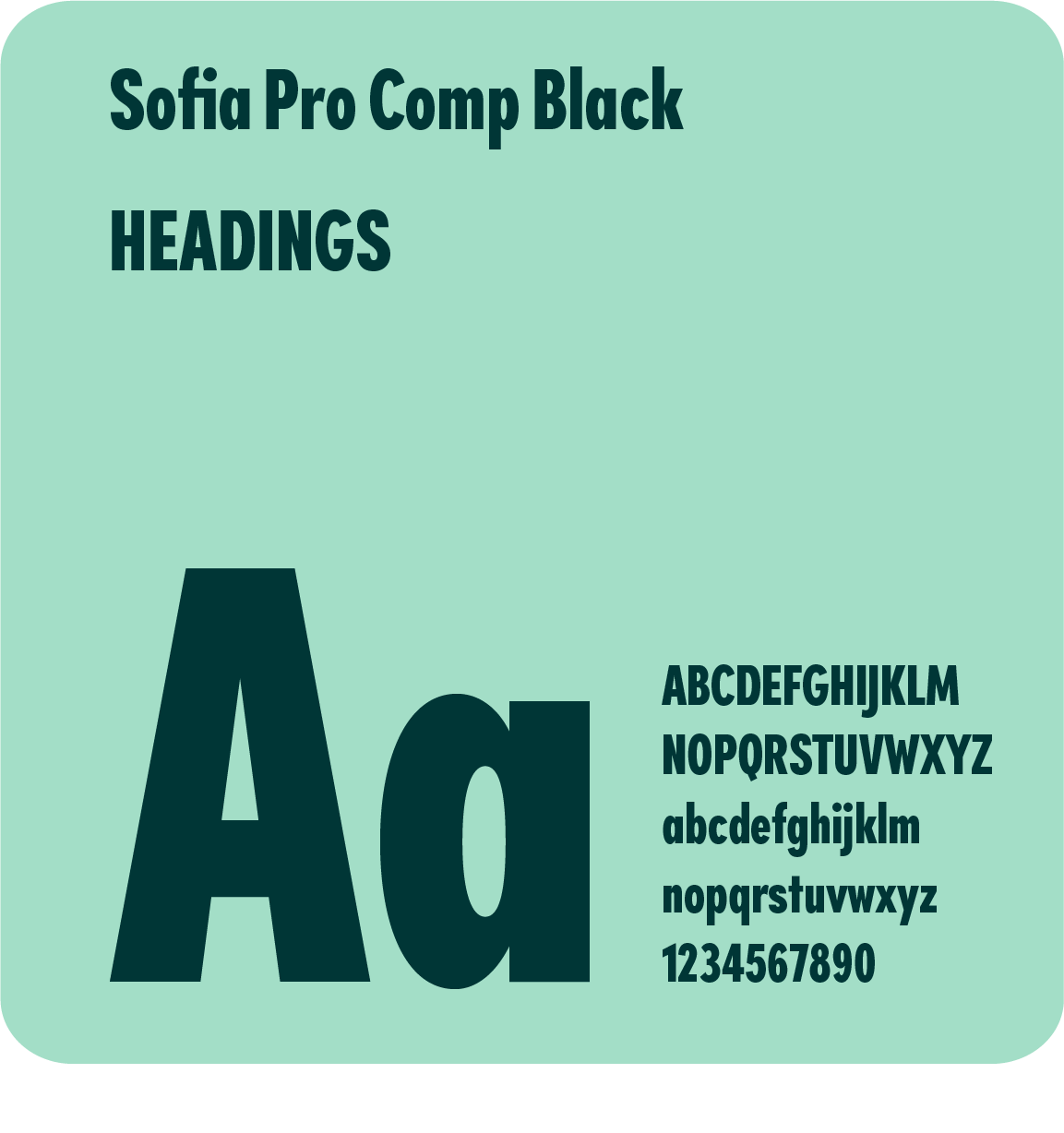
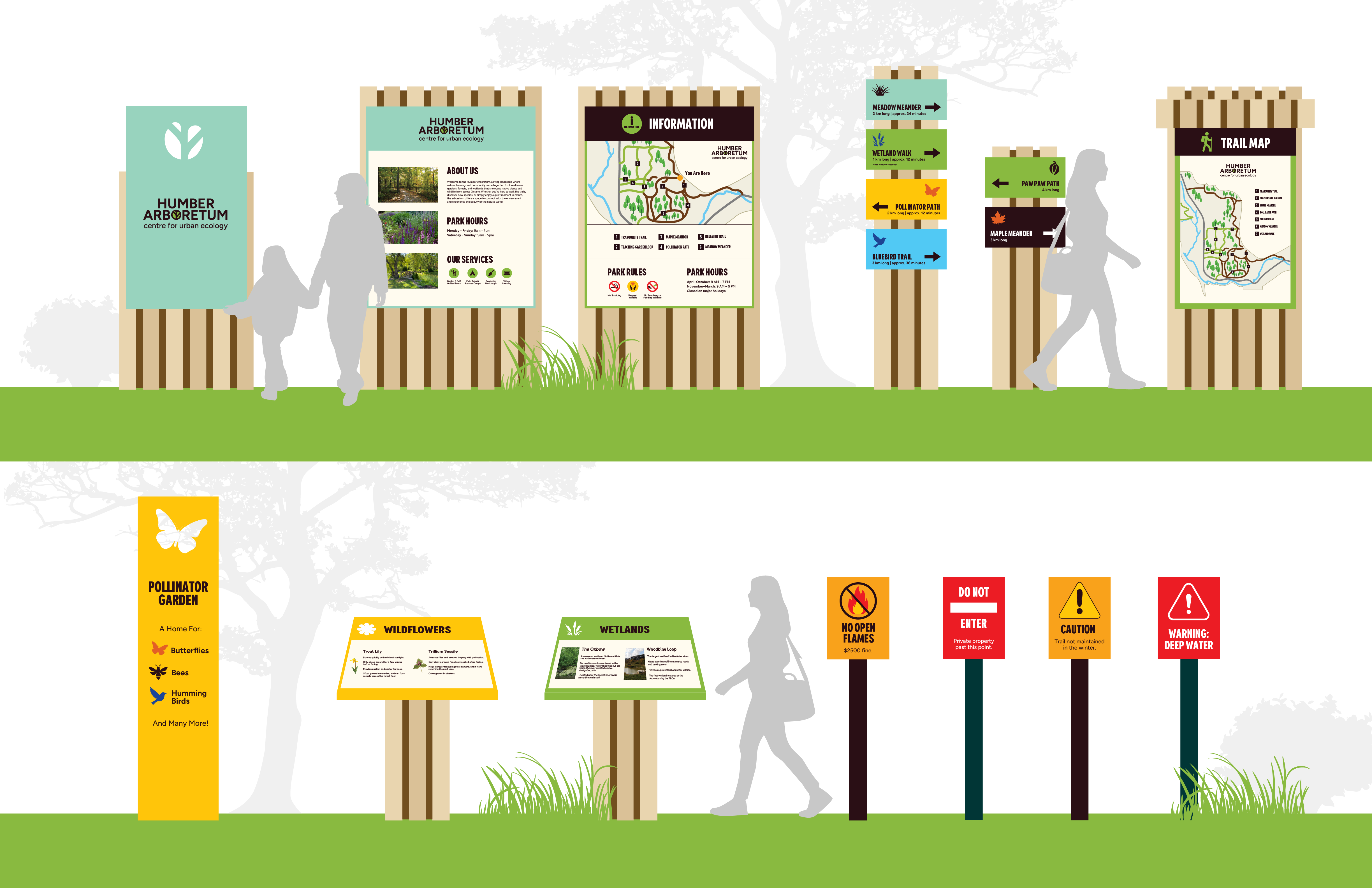
When creating the visual system, the colours needed to work well with the environment, and be different or bright enough to stand out against it, but not too vibrant that it makes the information hard to read or process. The typeface choices needed to be simple, easy to read from far away, and stand out against the colour choices. The icons needed to be simple, and have words that related to the icon, so they can be easily understood.


THE PROCESS
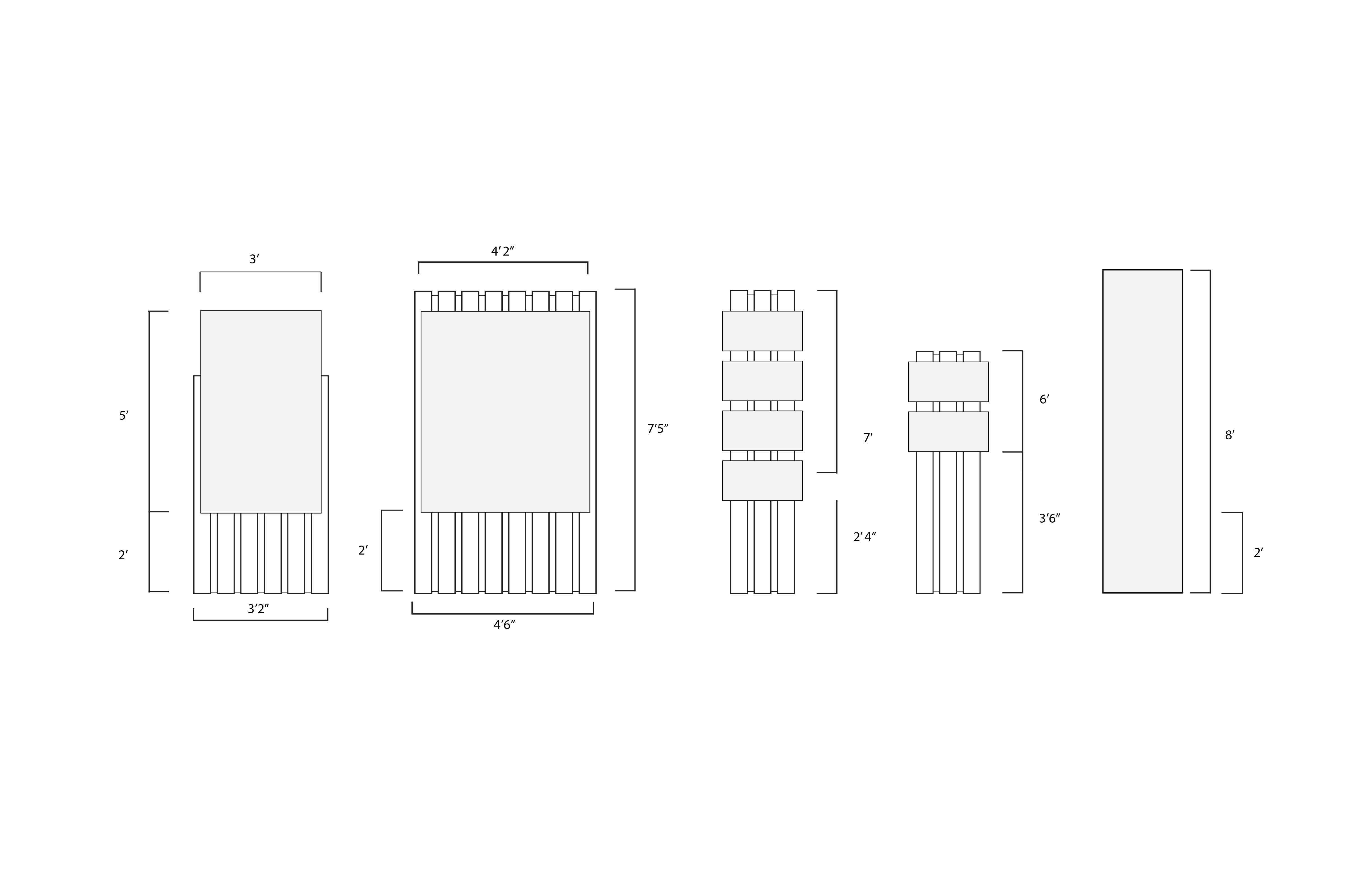
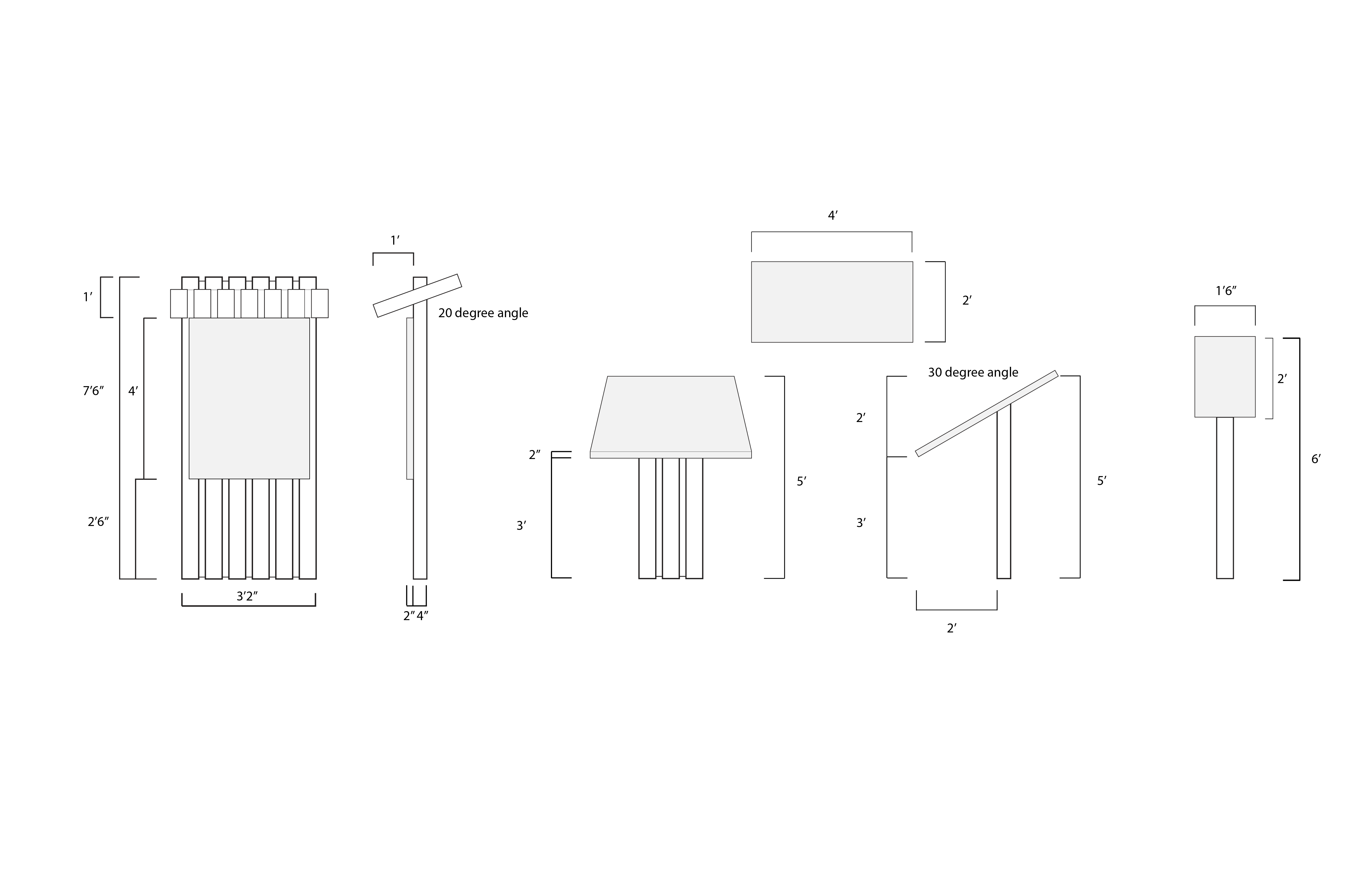
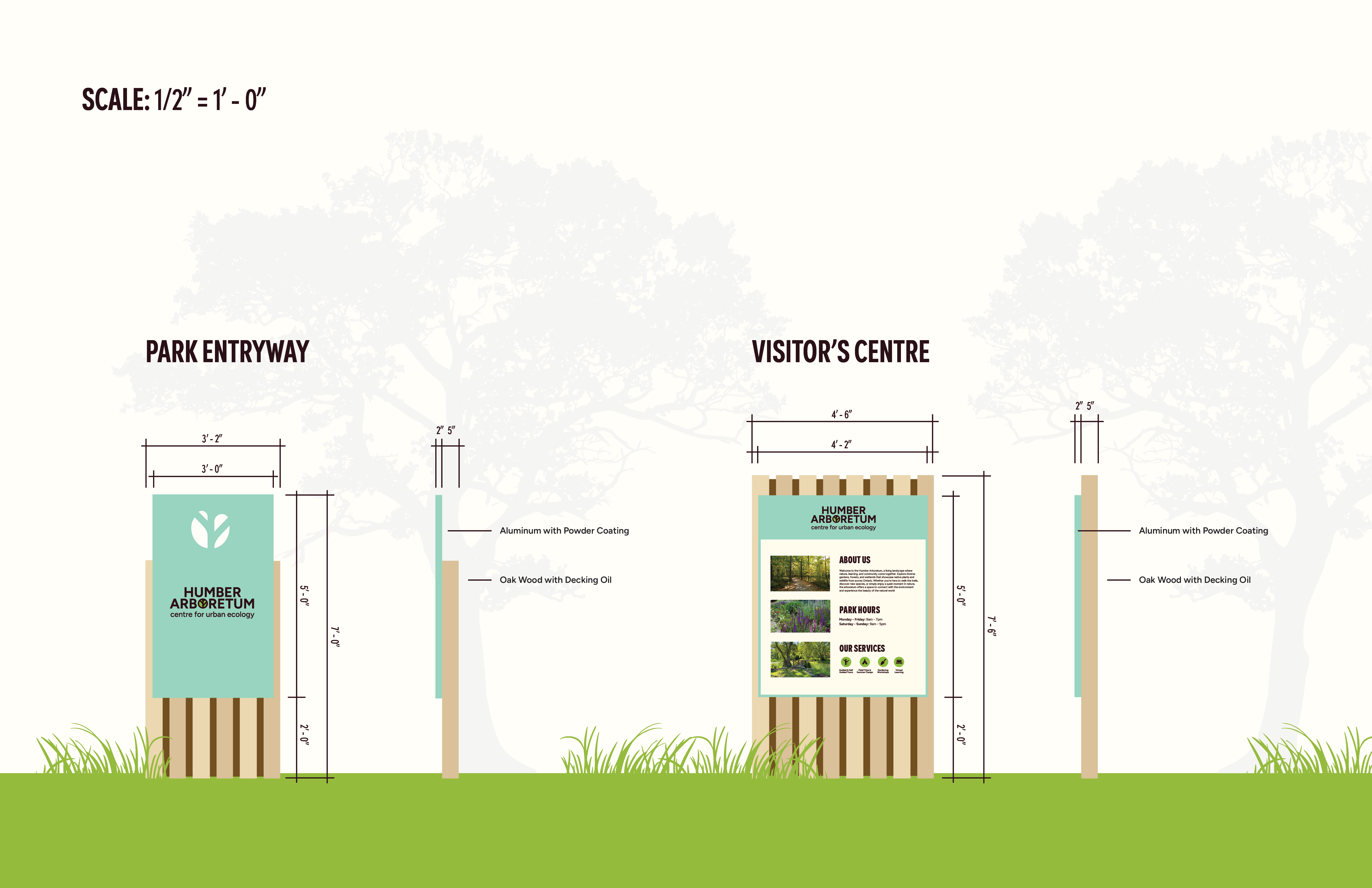
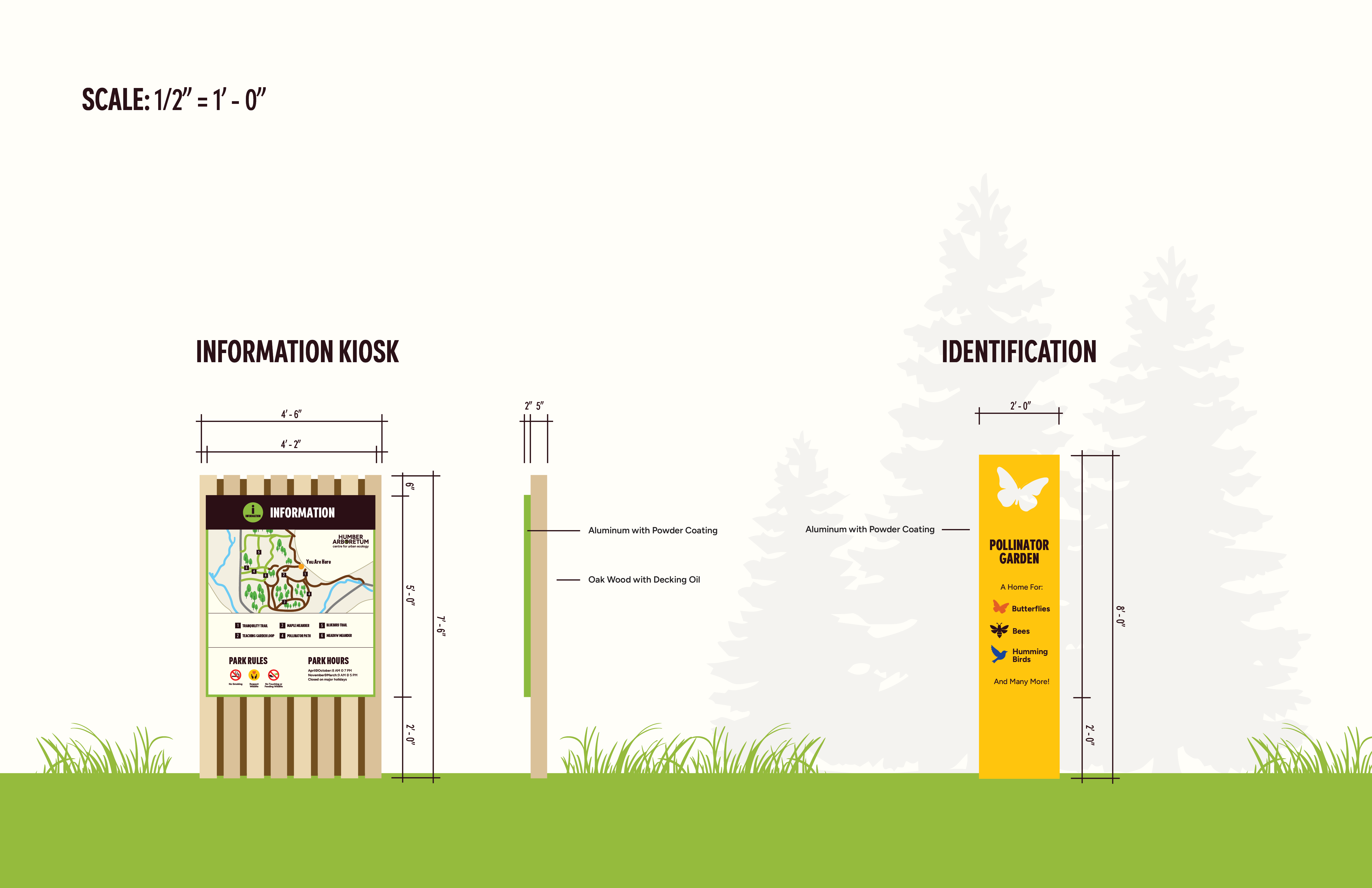
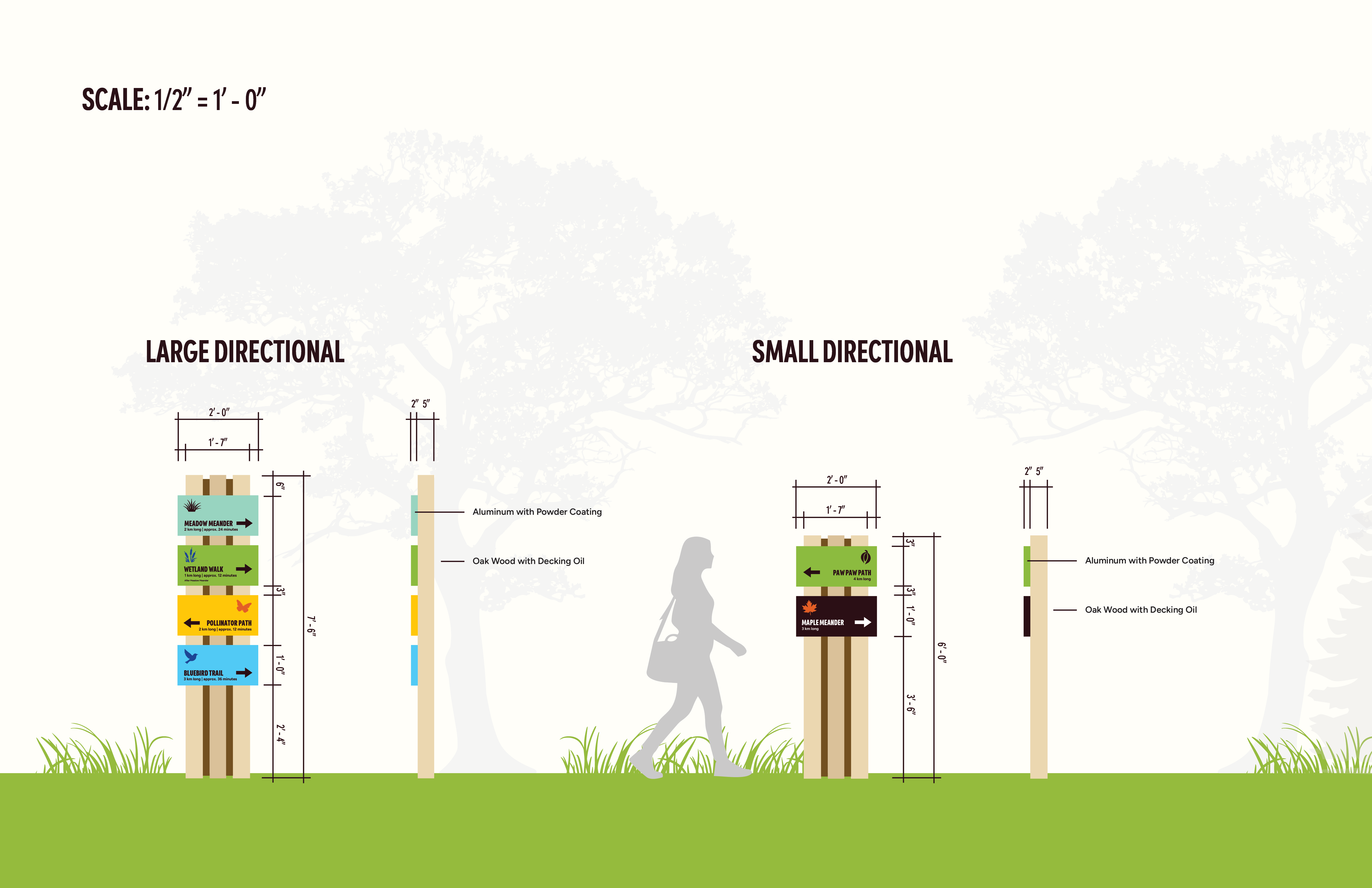
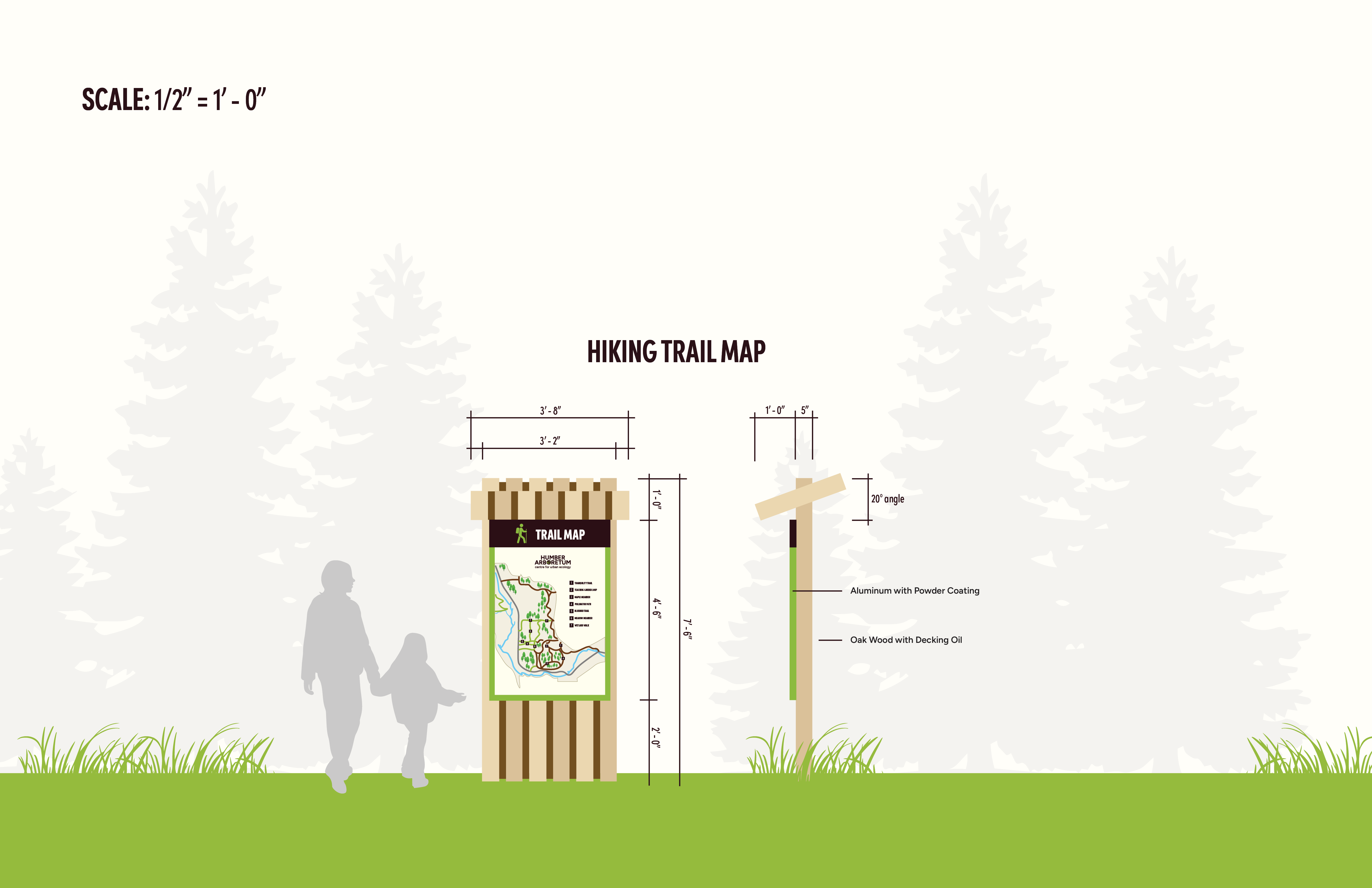
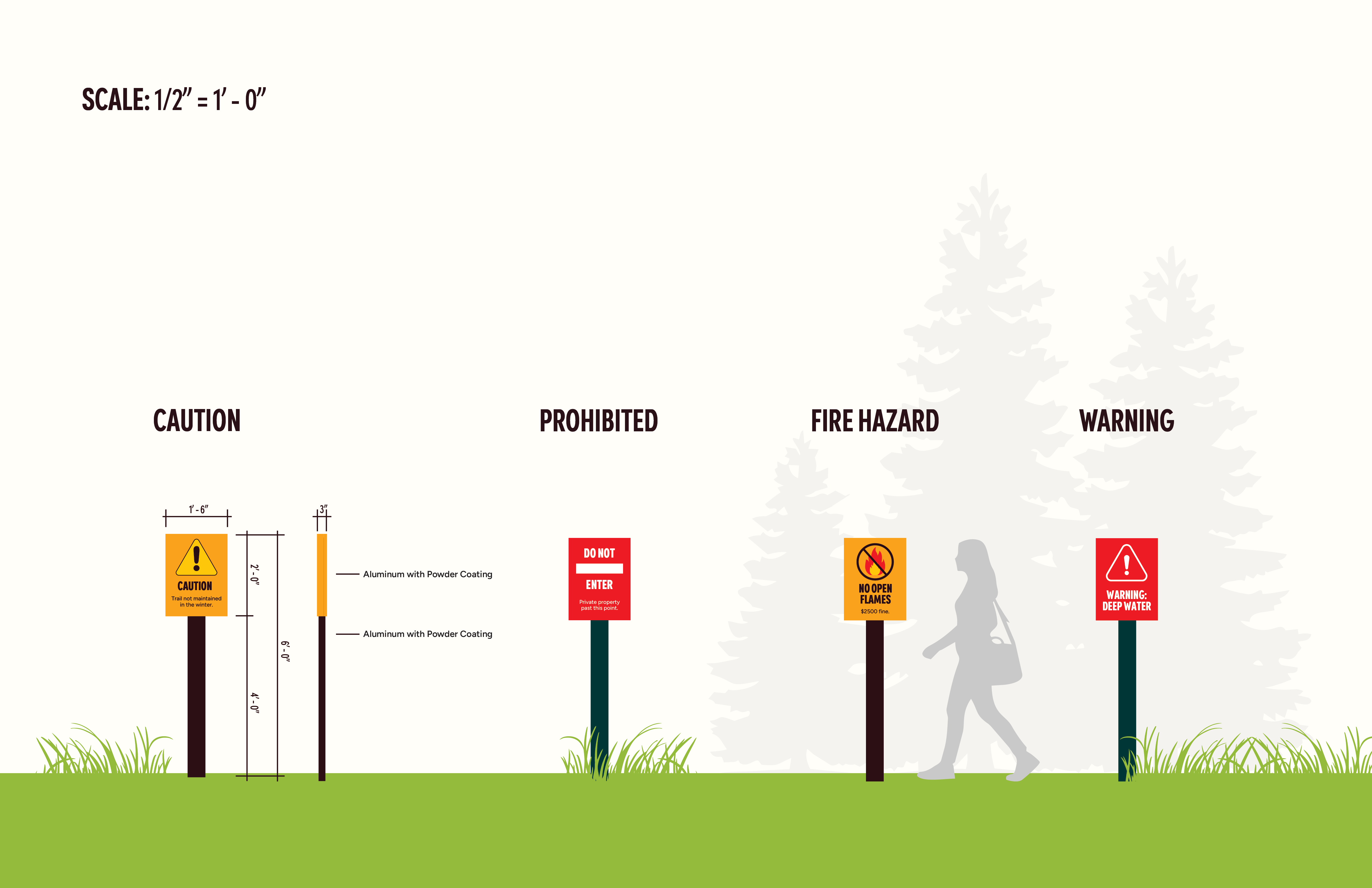
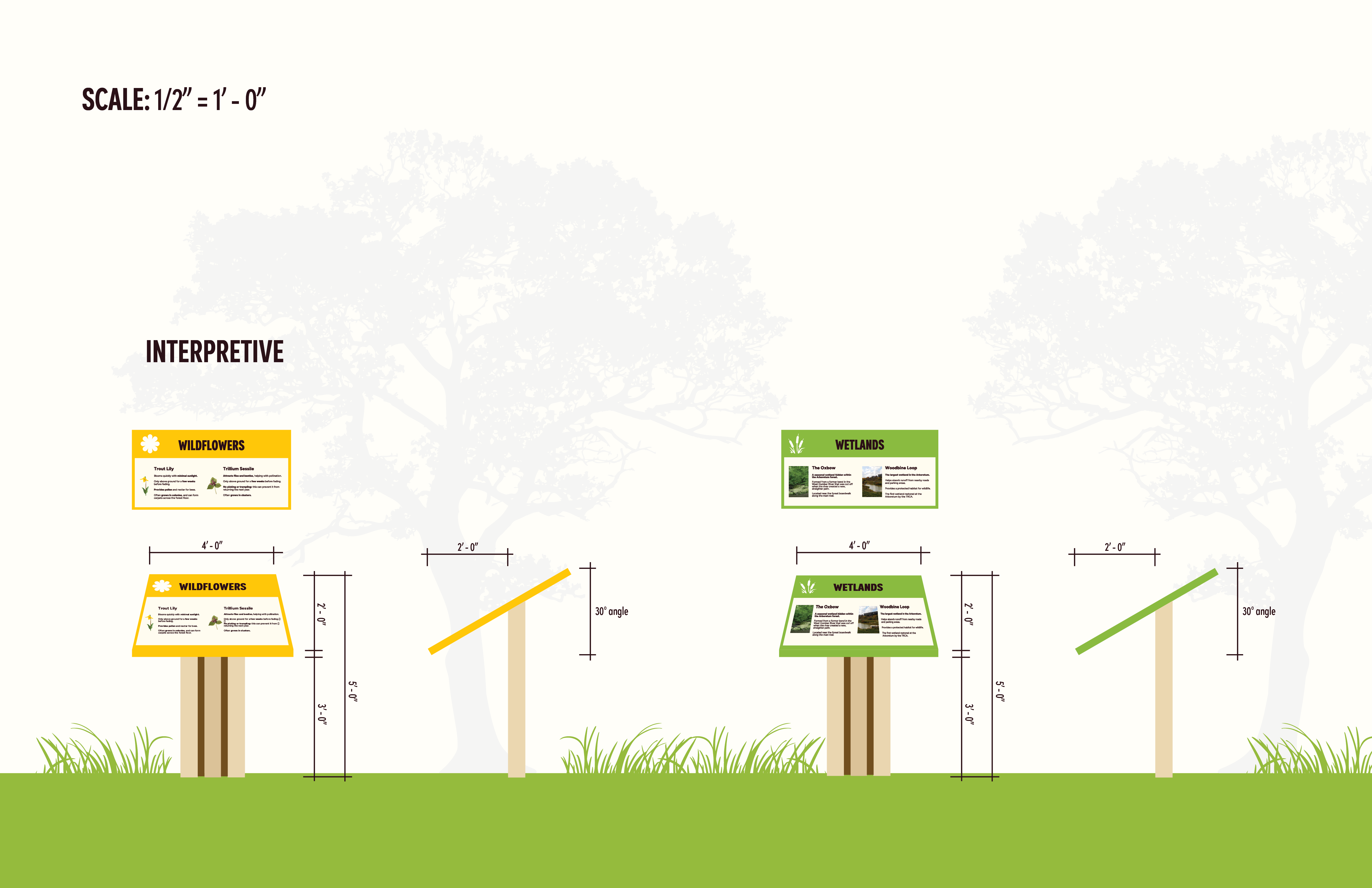
After deciding on the visual system, I worked on the dimensions. This was important to ensure readability, and to make them noticeable.
THE SOLUTION
EXPLORE MORE OF MY WORK